Tastaturen

Sortieren nach:
Es wurden keine Produkte gefunden, die Ihrer Auswahl entsprechen.

Wireless, ergonomic, and quiet keyboards for home office, study, and everyday typing.

SEENDA-Tastaturen

FAQ

Everything you need to know about SEENDA keyboards
What types of keyboards does SEENDA offer?

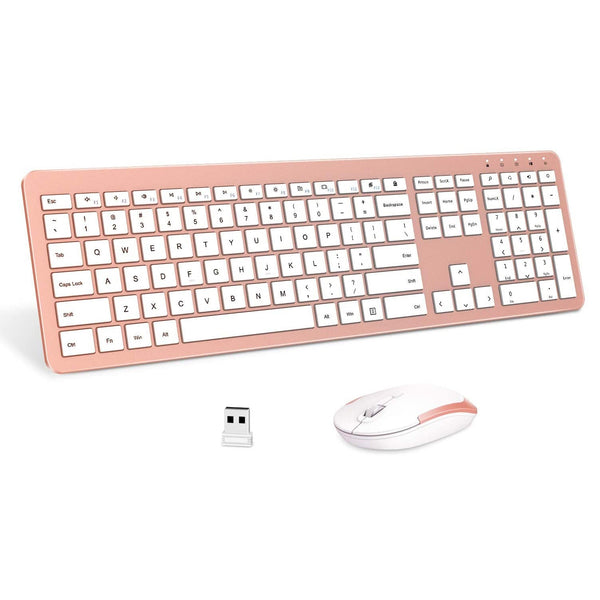
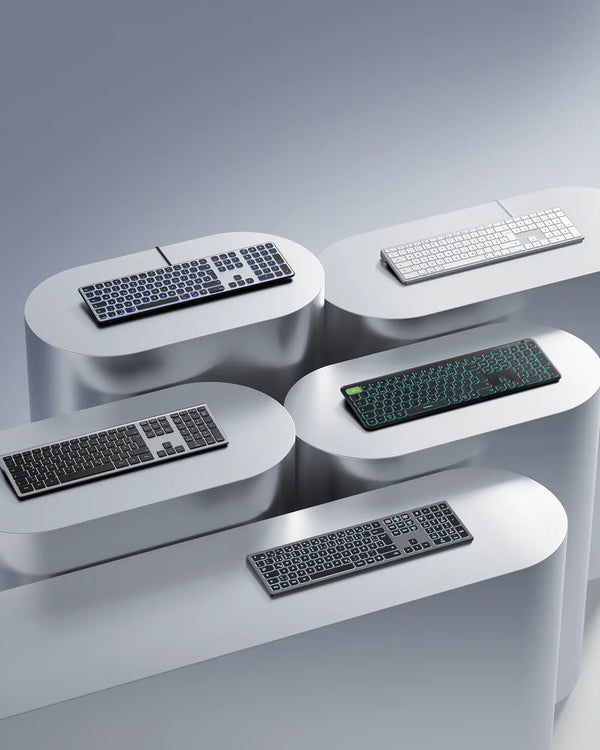
We offer full‑size wireless keyboards (with number pad), compact Bluetooth keyboards, ergonomic wave keyboards (COE311), and retro round key models (COE202). Most are scissor‑switch for quiet, comfortable typing.

Are SEENDA keyboards compatible with Mac?

Yes, many Bluetooth models work with Mac (e.g., SKM64-2, COE401). Some models have dual‑OS layouts. For 2.4G USB mode, check product details – some are Windows‑only.

How long does the battery last?

Depends on model: replaceable AA/AAA battery models (e.g., CE200) last 1‑2 months; rechargeable models (e.g., COE401) offer up to 140 hours of use per charge, with USB‑C fast charging.

Do SEENDA keyboards have backlighting?

Some models feature RGB or single‑color backlighting (e.g., COE311, COE202). Check product pages for details.

Are the keys quiet?

Yes. Most SEENDA keyboards use scissor‑switch or low‑profile membrane keys with noise levels around 40‑45dB – much quieter than mechanical keyboards, ideal for shared spaces.


Can I connect a keyboard to multiple devices?

Yes. Bluetooth models (e.g., SKM64-2, COE401) can pair with up to 3 devices and switch with dedicated buttons.

Is the keyboard spill‑resistant?

Some models (e.g., COE200) have spill‑resistant designs. We recommend keeping drinks away from your desk.

How do I clean my keyboard?

Use a soft, slightly damp cloth to wipe keys and surface. For debris, use compressed air. Avoid harsh chemicals.

Do SEENDA keyboards come with a wrist rest?

Select models (e.g., COE200, CE200) include a built‑in wrist rest. Others have adjustable tilt legs for ergonomic angle.

Are there compact keyboards for travel?

Yes, models like SK38-3 are ultra‑slim and lightweight, fitting easily into backpacks.