

Combos

Wireless Keyboard & Mouse Combos for Home Office, Gaming & Everyday Use

Simplify your workspace with SEENDA keyboard and mouse combos. Whether you need a reliable wireless set for daily work, a multi‑device Bluetooth combo for your Mac and PC, or a rechargeable ultra‑slim design for travel, we have you covered.

  • Multiple connection options – 2.4G wireless, Bluetooth, or dual mode. One USB receiver for both devices on most models.
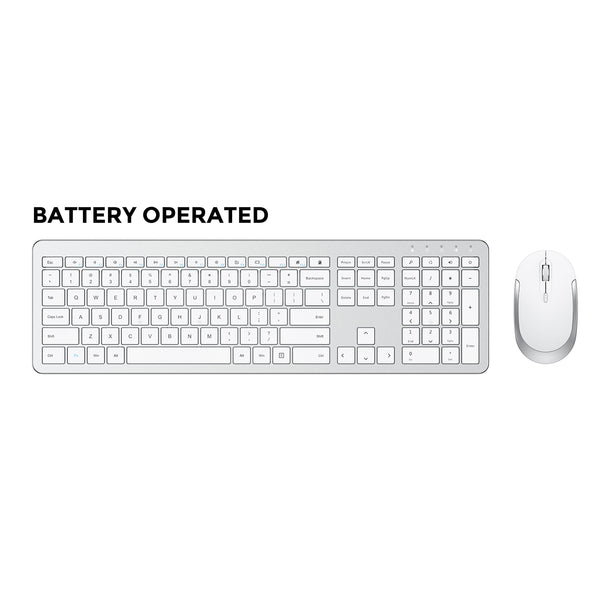
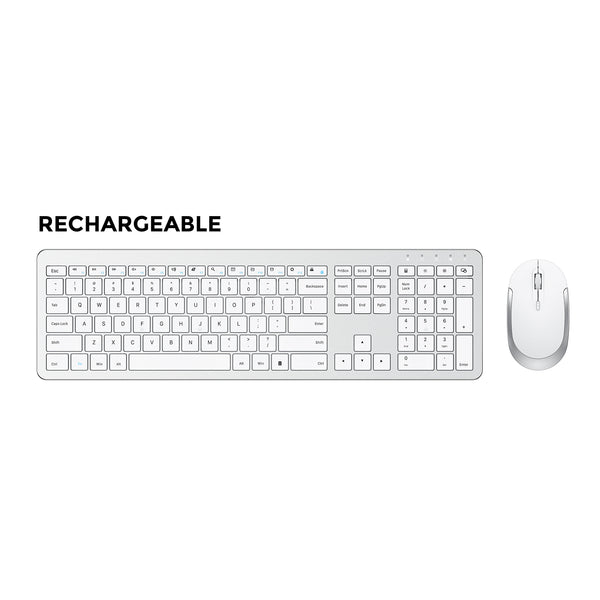
  • Long battery life – up to 365 days standby on battery‑powered models; USB‑C rechargeable options available.
  • Quiet & comfortable – low‑profile silent keys and quiet clicks for focused environments.
  • Multi‑device pairing – switch between computer, tablet, and phone with ease (Bluetooth models).
  • Mac & Windows ready – select combos feature dedicated Mac layouts or dual‑OS compatibility.

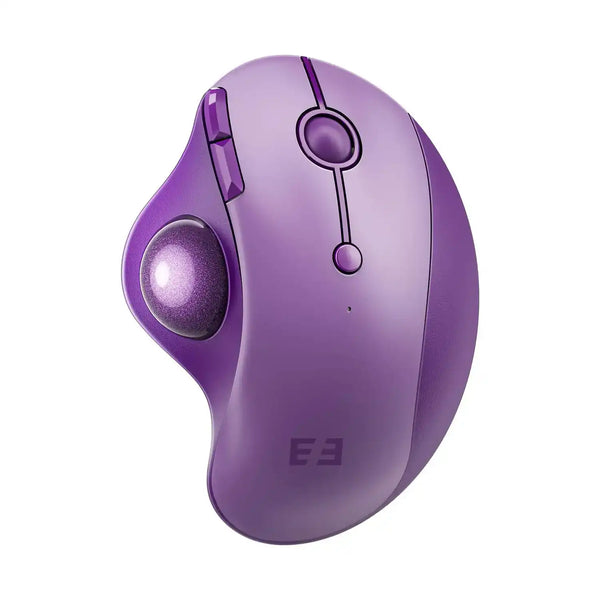
Explore our combos by series: CREATIVE (colorful & fun) or SLEEK (ergonomic & office‑ready).

FAQ

Everything you need to know about SEENDA keyboard and mouse combos
Do the keyboard and mouse share a single USB receiver?

Yes, most SEENDA combos (e.g., SK38, SK38-3, COE200) use one nano receiver for both devices – just plug it in and both work. Some Bluetooth models do not require any receiver at all.

Can I use the combo with my tablet or phone?

Yes. Combos with Bluetooth support (e.g., SKM64-2, SKM64-3, COE401) can connect to iPads, Android tablets, and smartphones. Some models also allow switching between three devices.

How long does the battery last?

It depends on the model. Dry‑battery combos (e.g., COE200) can last up to 365 days standby. Rechargeable models (e.g., SK38-3, COE401) offer 1‑2 months of typical use per charge, with some featuring fast USB‑C charging.

Is the keyboard spill‑resistant?

Most of our keyboards are not fully spill‑proof, but some models (e.g., COE200) feature a spill‑resistant design. We recommend keeping drinks away from the desk.

Can I buy the keyboard or mouse separately if I lose one?

In most cases, the combo is sold as a set. However, we offer replacement receivers and some accessories. Please check our Accessories page or contact support.

Do I need to install drivers?

No. All SEENDA combos are plug‑and‑play on Windows, macOS, Chrome OS, and most Linux distributions. No extra software required.

What's the difference between 2.4G and Bluetooth?

2.4G uses a tiny USB receiver (included) – it's very stable and has near‑zero lag, ideal for gaming. Bluetooth connects directly without occupying a USB port, but may have slightly higher latency. Many of our combos support both.

How do I clean the keyboard and mouse?

Use a soft, slightly damp cloth to wipe the surface. For keys, use compressed air. Do not immerse in water or use harsh chemicals.

Are these combos compatible with Mac?

Yes. Most combos work with Mac via Bluetooth (e.g., SKM64-2, SKM64-3, COE401). The COS500 combo is specifically designed for Mac with a dedicated Apple layout. For 2.4G USB mode, some combos are Windows‑only – check the product details.