
Mice

Sort by:

Wireless, ergonomic, and silent mice for work, study, and play.

Find your perfect mouse at SEENDA. Whether you need a colorful wireless mouse for your desk setup, an ergonomic vertical mouse for wrist relief, a silent click for shared spaces, or a Bluetooth model for multi‑device productivity, we have a mouse that fits your hand and your workflow. Compact, reliable, and built for everyday use.

  • Wireless freedom – 2.4G or Bluetooth, stable connection up to 33ft.
  • Ergonomic options – vertical mice (52°, 57°, 58°) and trackball mouse reduce wrist strain.
  • Silent clicks – ≤40dB operation, perfect for libraries, offices, or late‑night work.
  • Adjustable DPI – 800‑2400 DPI for precise tracking on any surface.
  • Long battery life – up to 24 months on AA models; rechargeable USB‑C options.
  • Multi‑device pairing – connect up to 3 devices and switch seamlessly.

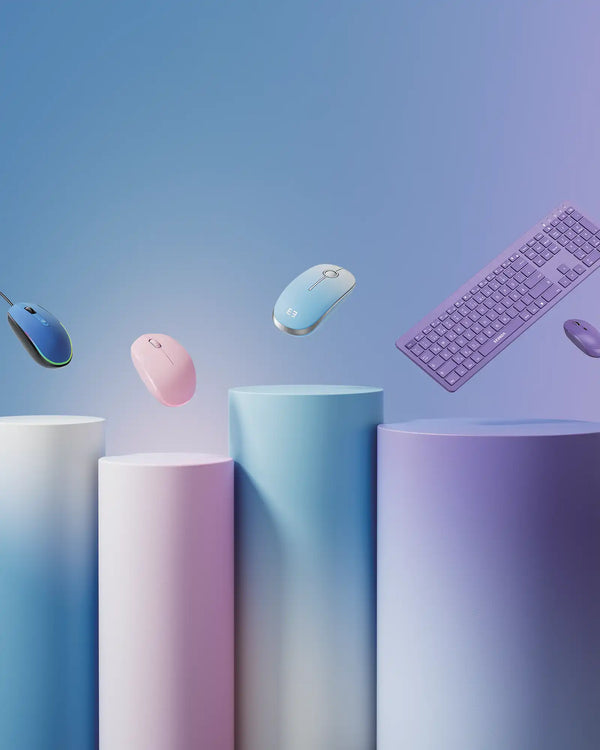
Explore our mice collections: CREATIVE (colorful & fun) or SLEEK (ergonomic & office).

FAQ

Everything you need to know about SEENDA mice
What types of mice does SEENDA offer?

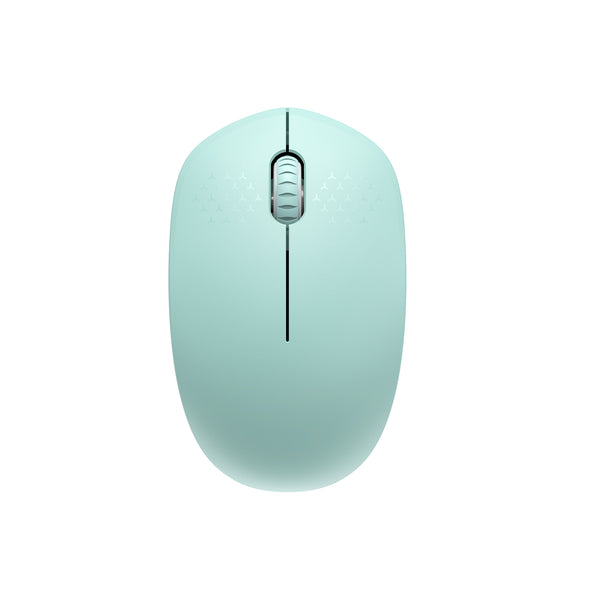
We have vertical ergonomic mice, trackball mice, silent wireless mice, RGB wired mice, and compact travel mice. Most are available in multiple colors.

Are SEENDA mice compatible with Mac?

Yes, most Bluetooth models work with Mac. Note that forward/back buttons may not function on macOS – check product details.

How long does the battery last?

Depends on model: AA battery mice (e.g., SM012) last up to 24 months; rechargeable models (e.g., MOU-302) last 2‑4 weeks per charge and charge via USB‑C.

Do vertical mice really help with wrist pain?

Yes, the 52‑58° angle promotes a natural handshake position, reducing wrist strain and fatigue during long hours. Many users report relief within 1‑2 weeks.

Are the clicks silent?

Most SEENDA mice feature silent clicks (≤40dB), ideal for shared offices, libraries, or late‑night work without disturbing others.

Can I connect a mouse to multiple devices?

Yes. Models with Bluetooth + 2.4G (e.g., MOU101, MOU001, MOU200) can pair with up to 3 devices and switch with a button.

Do I need a mouse pad?

No. Our optical sensors work on most surfaces including desks, fabric, and even glass (for some models). However, a pad may improve tracking on very glossy surfaces.

How do I clean my mouse?

Use a soft, slightly damp cloth to wipe the exterior. For trackball mice, remove the ball to clean dust inside.

What DPI settings are available?

Most models offer 3‑4 levels from 800 to 2400 DPI. Adjustable via button on top – suitable for precise design work or fast browsing.

Are SEENDA mice good for gaming?

For casual gaming, yes. For competitive gaming requiring ultra‑low latency, we recommend using the 2.4G mode instead of Bluetooth.